
Photo to Sketch

Redraw a portrait, pet, building, or still life in pencil, charcoal, ink line, or colored pencil. Pick a style, add your photo, and keep the details that make it yours.

Your reference photo

Quality

Fast and reliable for most edits.

Prompts are safety-screened. NSFW, explicit, sexually suggestive, deepfake, and harmful content is prohibited. View acceptable use policy

Original portrait photographPortrait in graphite drawingBeforeAfter

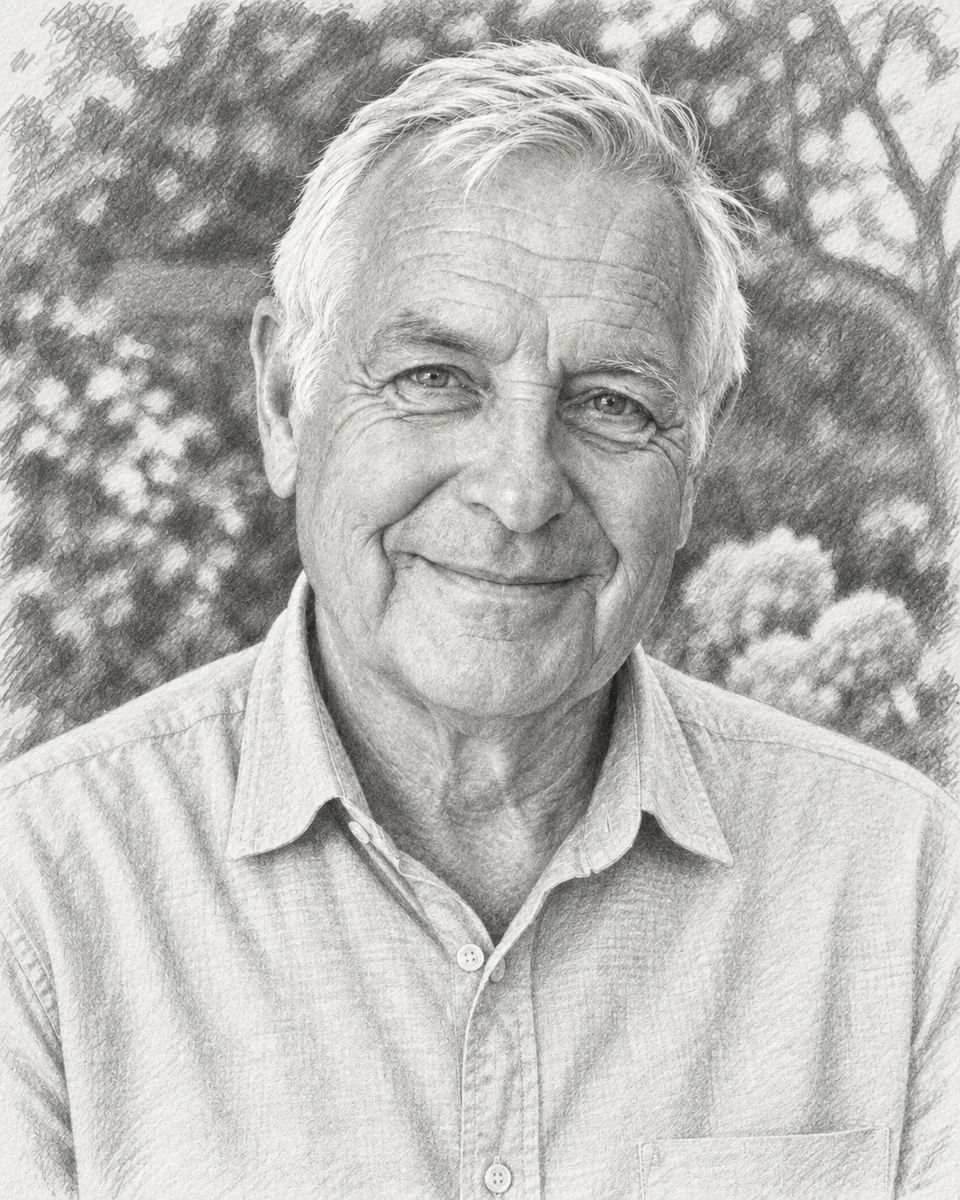
Portrait in graphite

Ways to turn photo into sketch

Each drawing style gives the same photo a different finish through lines, shading, and color. Pick the one that suits your subject, and use a clear photo so faces, markings, and outlines stay recognizable. The result is a new drawing, so fine features can change. Compare it with the original before saving a portrait, printing a gift, or using it in a project.

Photo to pencil drawing

Fine graphite lines, soft shading, and a light paper background suit a portrait or a still life. Facial proportions and object shapes stay close to the photo, so the drawing still looks like your subject. Choose it for a gentle hand-drawn finish without extra decoration that pulls attention away.
Turn photo into sketch with charcoal

Broad dark strokes, softer edges, and stronger contrast give a pet or portrait more expressive shading. A photo with clear light and shadow works best. Eye position, markings, and silhouette stay tied to the source, so the drawing still reads as your pet or your person at a glance.

Picture to sketch with ink lines

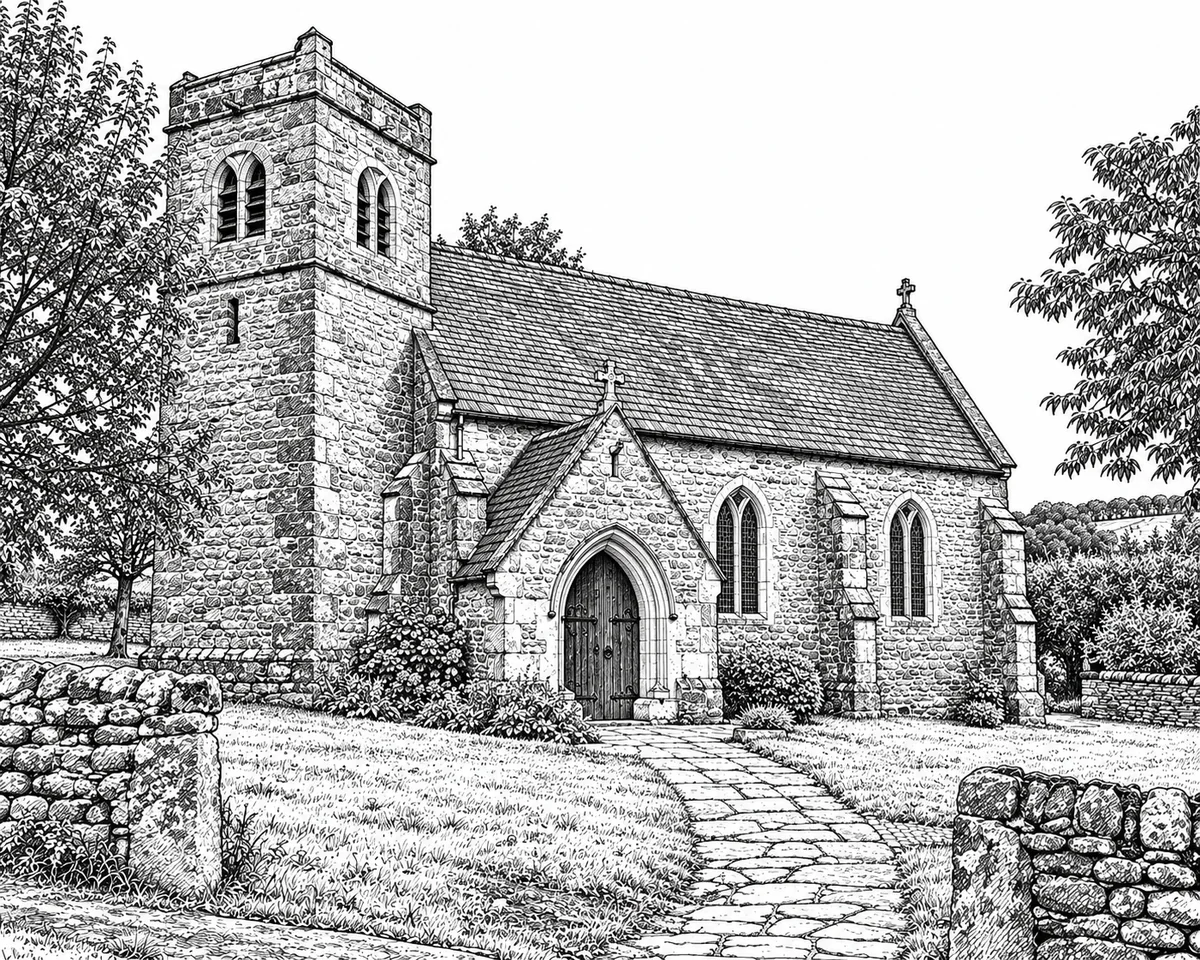
Clean contours and sparse hatching suit a building, street, or everyday object. Architectural edges and proportions stay recognizable, and background clutter drops away so the subject is easier to read. Very small windows, signs, or decorative details may be simplified as the photo becomes a drawing.

Draw a photo with colored pencil

Keep the subject colors while adding visible pencil strokes and a textured paper surface. This approach works for a teapot, flowers, or a favorite object with a recognizable palette. Ask for controlled highlights and a simple background. Compare the result with your photo if a particular hue or pattern matters.

Photo to sketch examples by subject

Compare four picture to sketch examples, from portraits to still life. Use the editable style prompts to turn photo into sketch artwork that suits your subject.

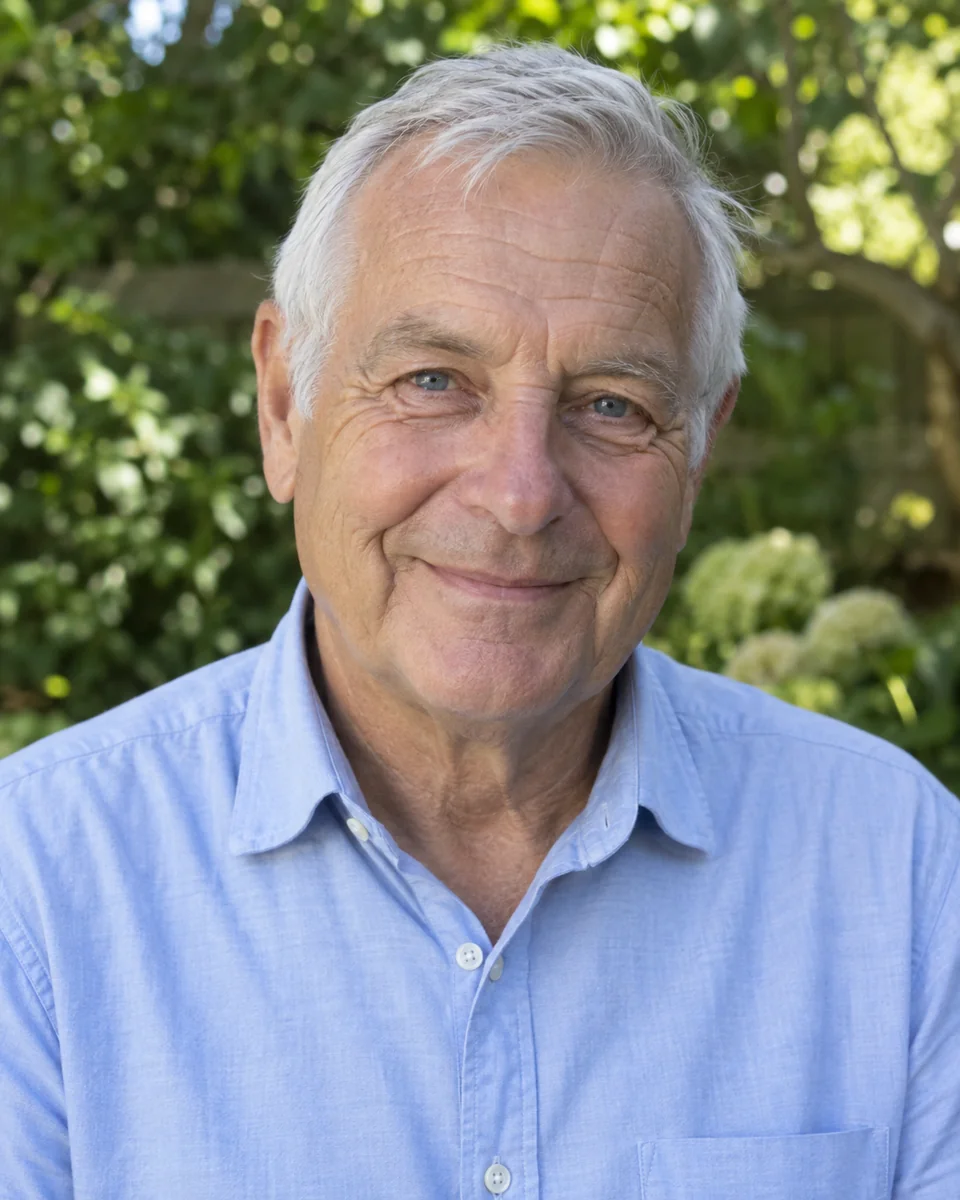
Original portrait photograph
Before
Portrait in graphite drawing
After
Pencil

Portrait in graphite

A clear portrait gives the drawing a guide for the face and pose. Fine graphite strokes and light shading create a hand-drawn finish that keeps the proportions. Review the eyes and expression before choosing the result.

Style prompt

Redraw this portrait in graphite pencil on light paper. Keep the facial proportions, hair, pose, and expression with delicate shading and a simple background.

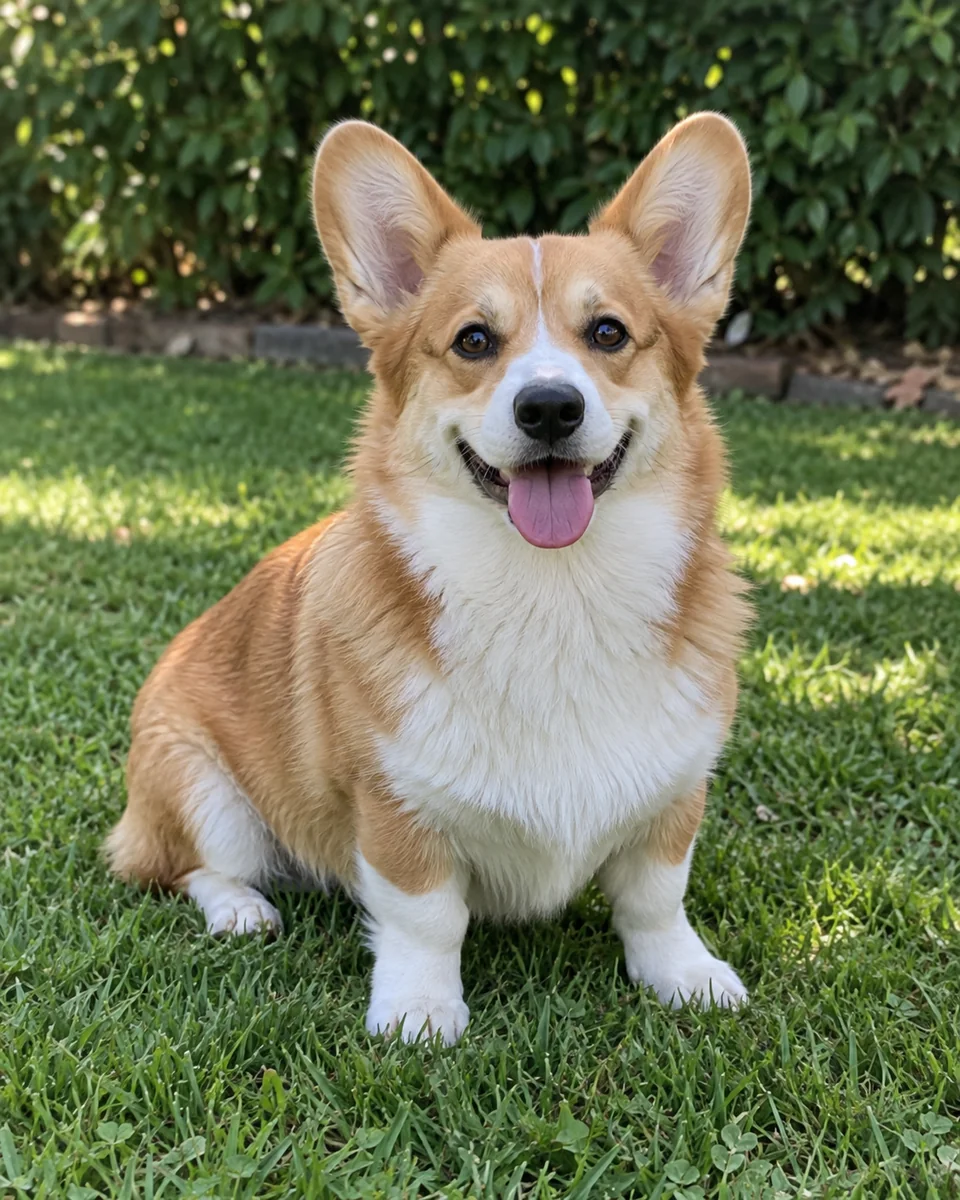
Original dog photograph
Before
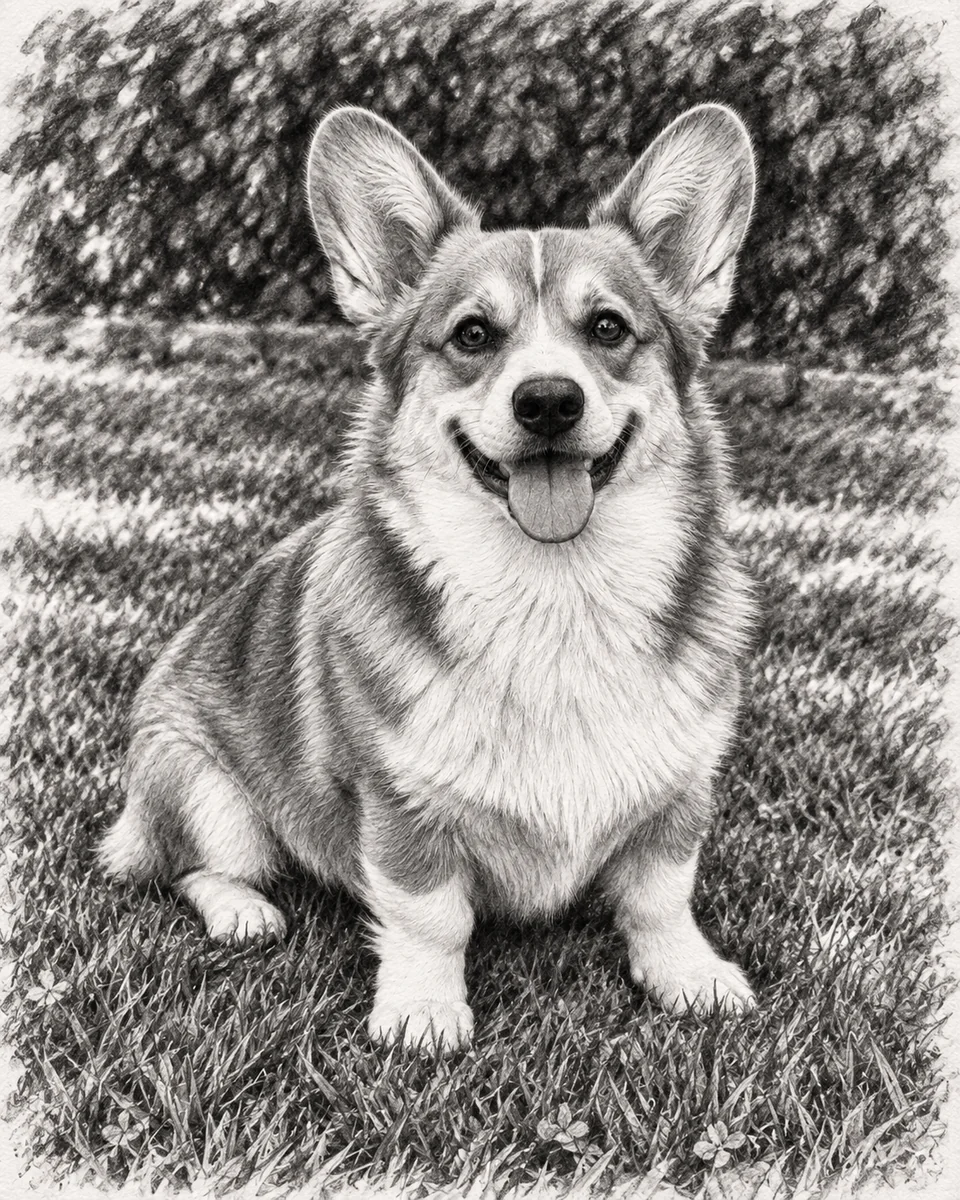
A dog with bold shading drawing
After
Charcoal

A dog with bold shading

Dark charcoal strokes emphasize the dog’s outline and the direction of the light, while its markings and posture stay true to the photo. Check the eyes and fur pattern, since expressive shading can simplify smaller features.

Style prompt

Draw this dog in charcoal with broad strokes and soft blended shadows. Keep its markings, posture, eye position, and silhouette on a pale paper background.

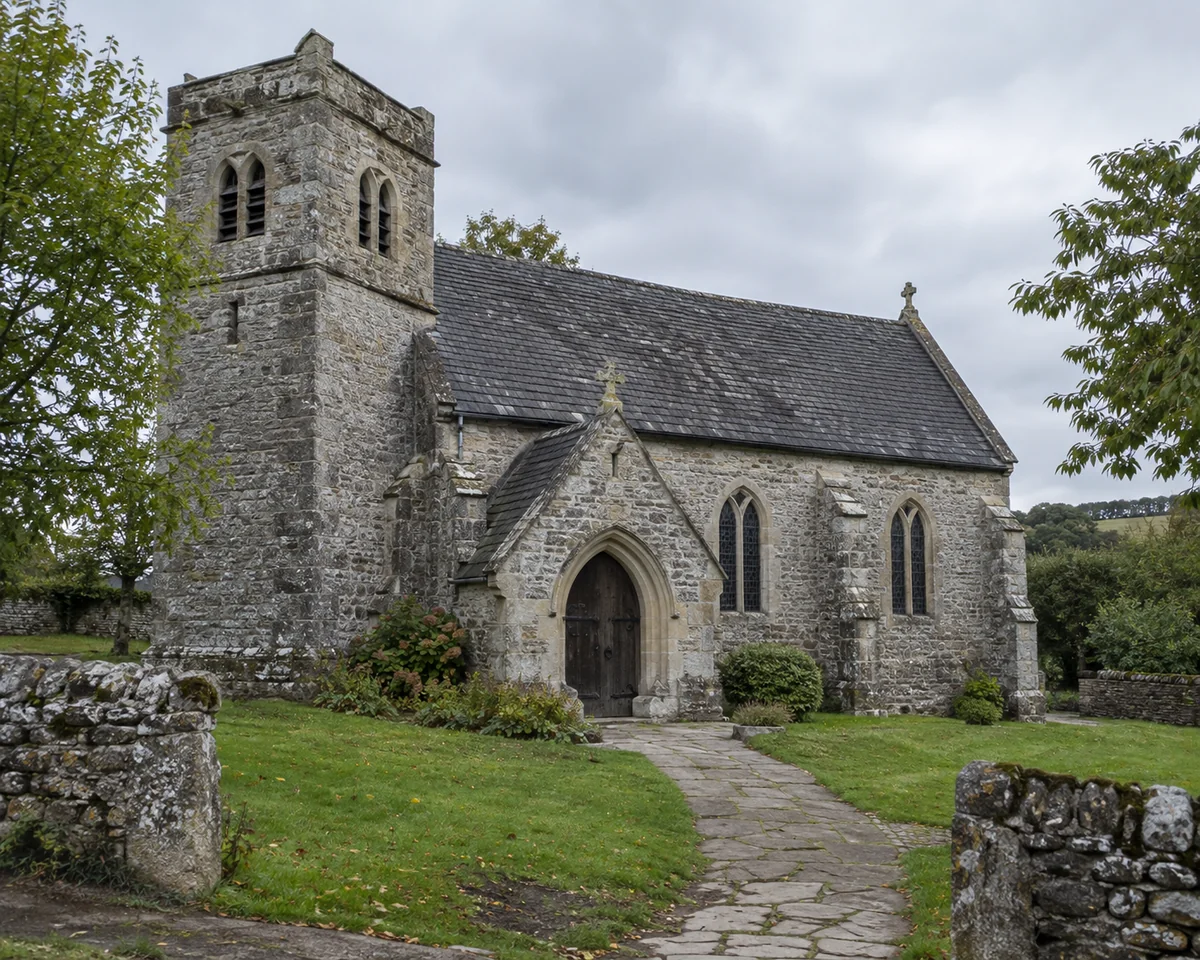
Original building photograph
Before
Architecture in clean lines drawing
After
Ink line

Architecture in clean lines

Straight edges and visible windows help guide an architectural drawing. Ink contours and light hatching make the building stand out against a quiet background. Compare the roofline and perspective to the reference; tiny signs and window details may differ.

Style prompt

Draw this building with crisp ink contours and light hatching. Preserve the camera angle, roofline, and main windows. Simplify the background without adding new structures.

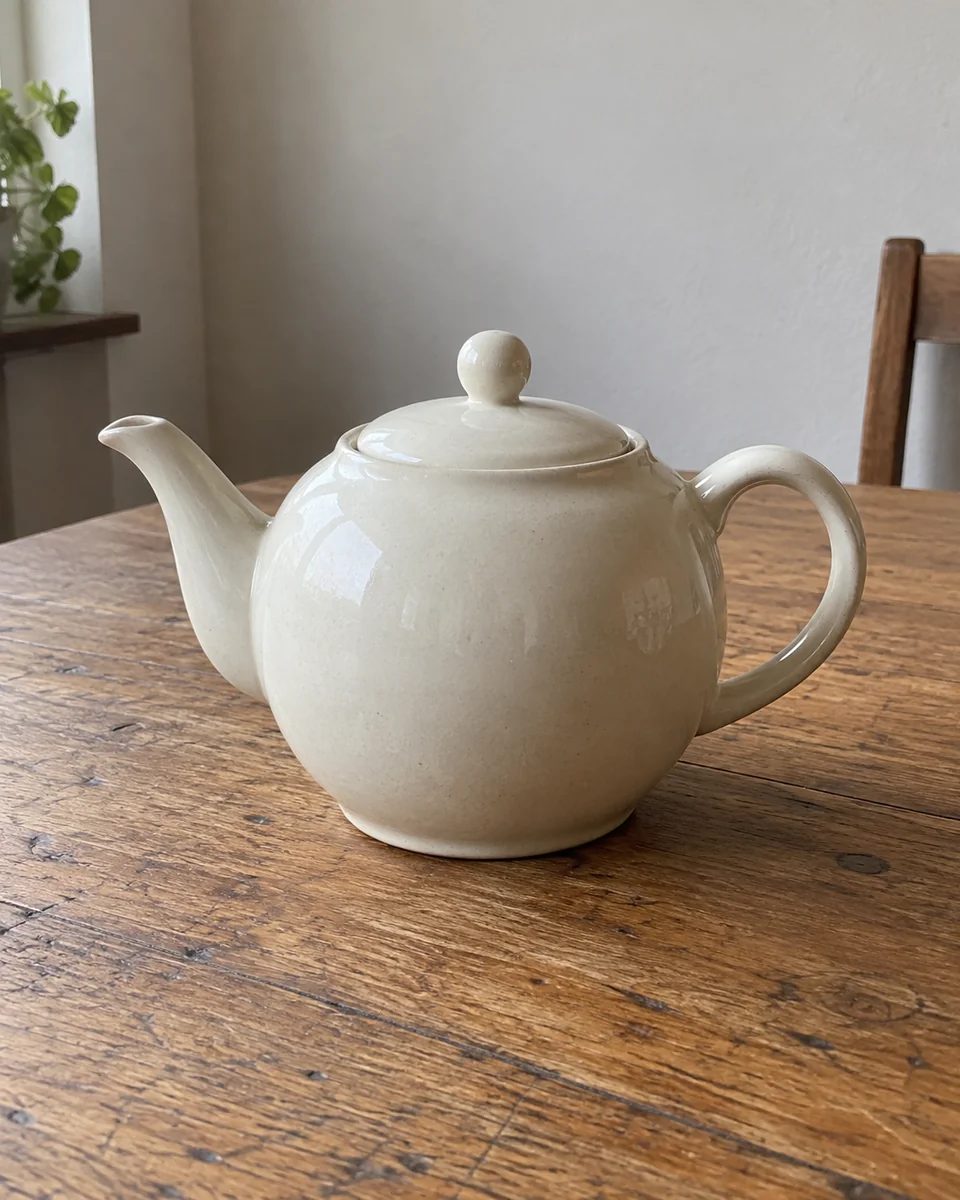
Original teapot photograph
Before
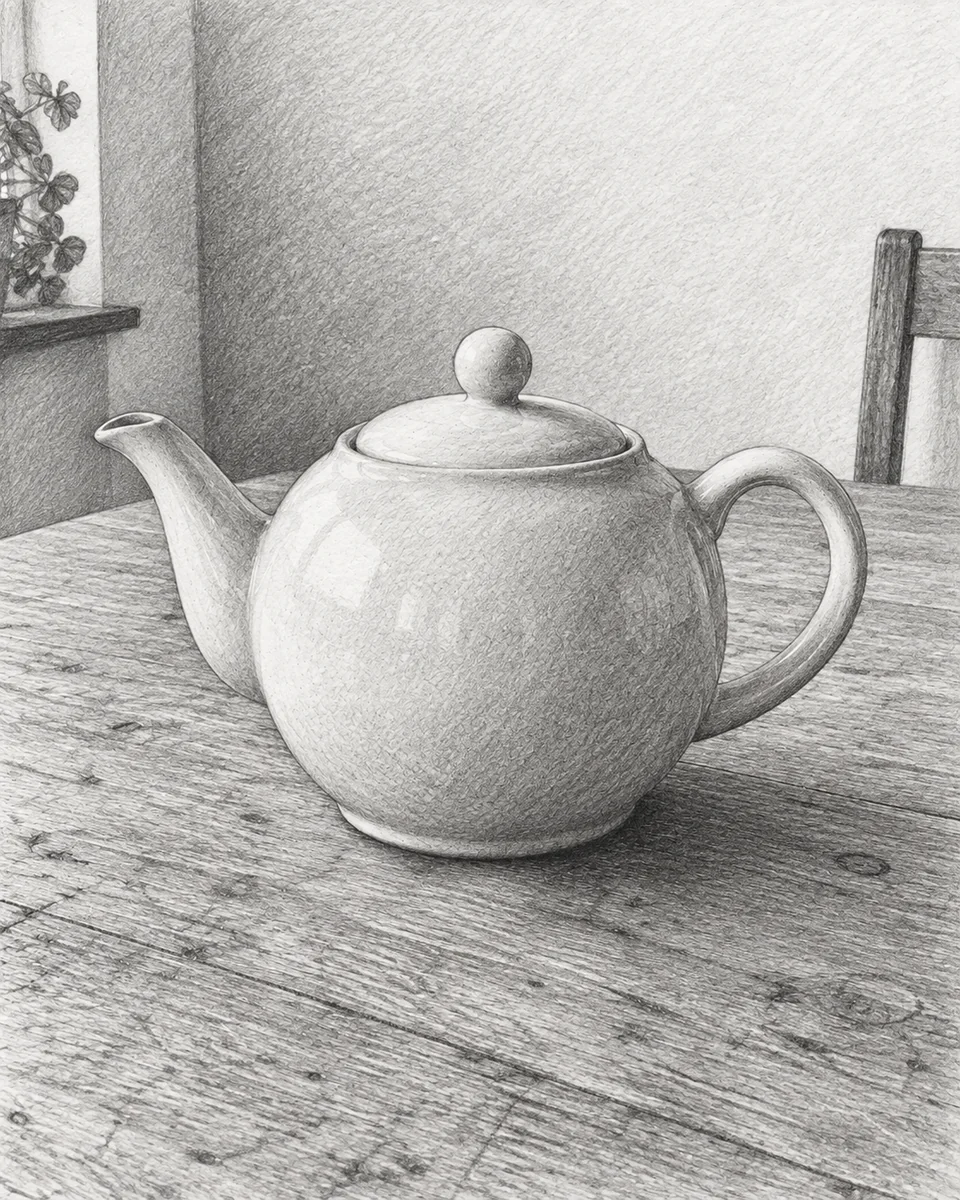
A still life with soft color drawing
After
Colored pencil

A still life with soft color

The teapot’s shape and colors remain the starting point for this still life. Visible colored-pencil strokes add texture while soft shading suggests its rounded surface. Ask for the handle and spout to stay, and compare their proportions after generation.

Style prompt

Redraw this teapot with colored pencil strokes and visible paper grain. Keep the handle, spout, proportions, and main colors, with gentle highlights and a simple background.

Make a photo to pencil drawing

Try photo to pencil drawing in three steps: upload, choose a style, and review. Start with a preset, then add one detail at a time to compare versions.

Original portrait photograph
Image 1
Step 1

Upload a clear reference

Use a sharp photo with visible features. Keep the face, pet markings, building edges, or object outline unobstructed so the drawing can follow them.

Step 2

Choose a drawing style

Pick pencil, charcoal, ink line, or colored pencil. Add a short note about features to keep or the background or shading you want to change.

Portrait in graphite drawing
Step 3

Compare and download

Check the likeness and edges before saving. If a detail needs work, use the result as another reference and ask for one focused adjustment.

Explore another finish

Keep working with the same subject in the image generator. Use your original photo or your sketch as a reference to explore a new style, setting, or color palette.

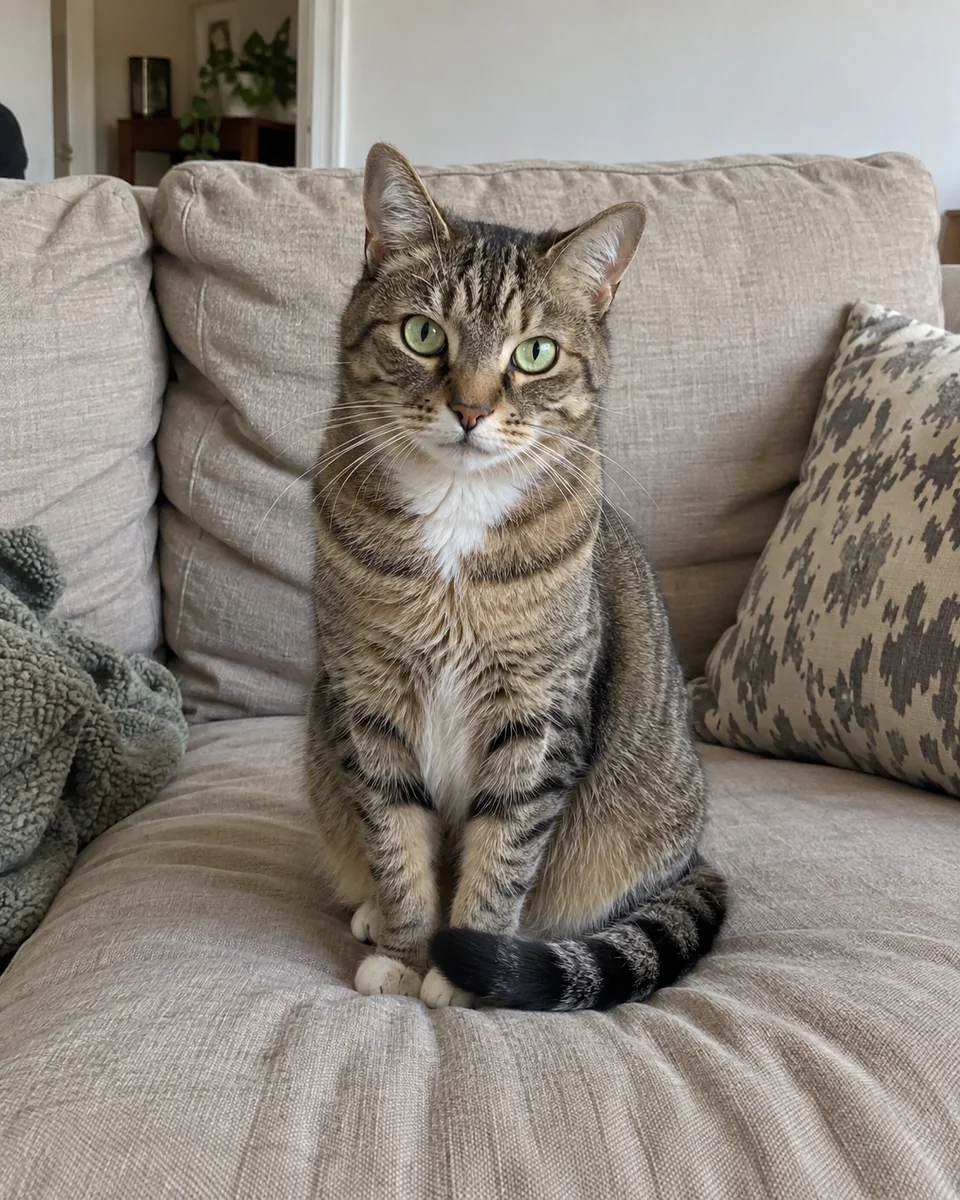
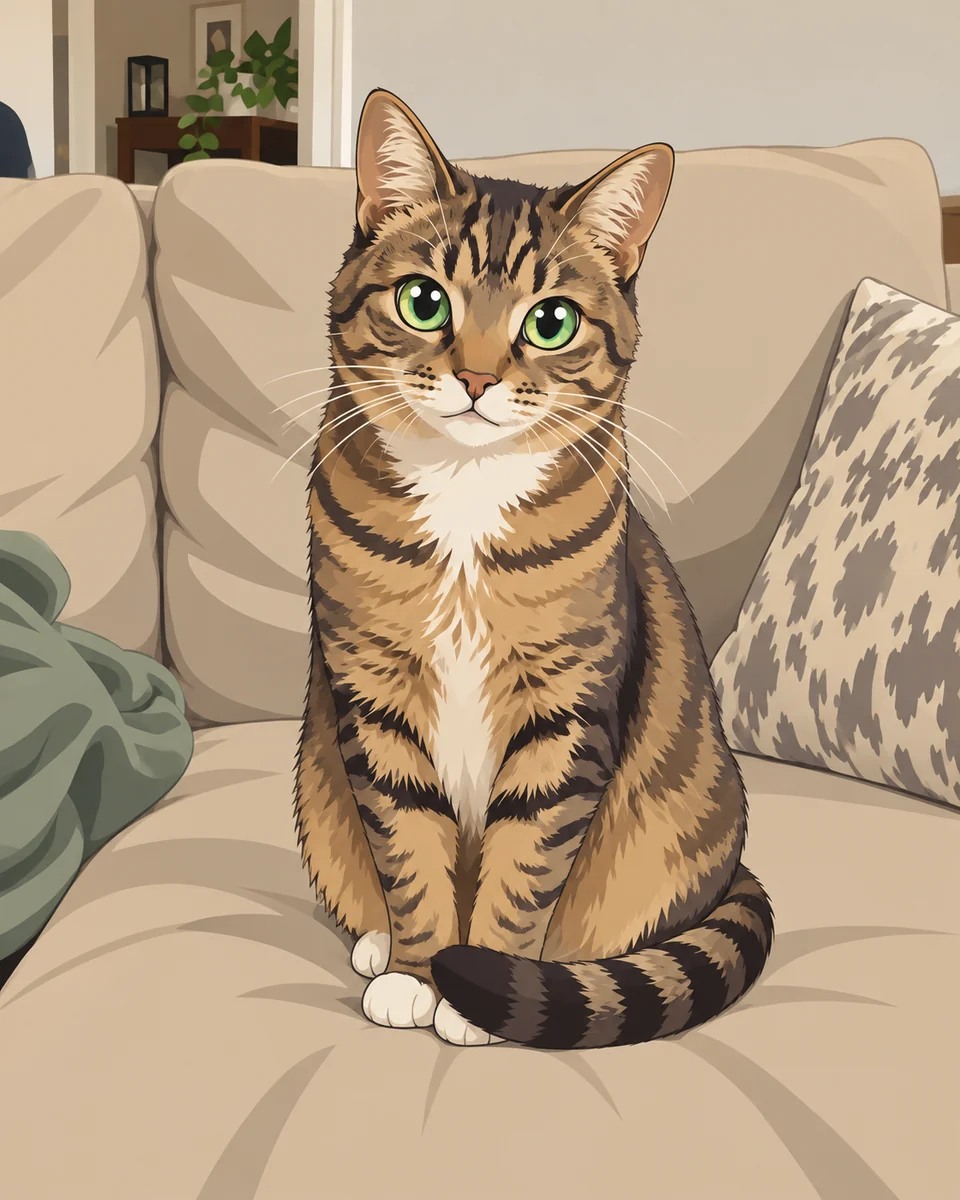
Original photo used as a drawing referenceGenerated anime cat illustrationBeforeAfter

AI Zombie Video Generator

Turn two photos into a cinematic zombie reunion and a happy memory.

Make my movie

Questions about photo to sketch

Review supported styles, reference requirements, credits, and output limits. These answers help you choose a photo and set useful expectations before drawing.

Upload a photo and pick a drawing style; AI redraws your subject as a new pencil, charcoal, ink line, or colored pencil drawing. It lets you explore styles without drawing each line yourself. Start with a clear photo and add a note about any features to keep. Review the result, because line placement, likeness, and small details can change.