Upload a photo, an AI image or a piece of art and get a ready-to-use prompt in seconds. Write it for Midjourney, Stable Diffusion or Flux, then copy it or create a new image here.
What people use image to prompt for
A good prompt names the subject, framing, light, colors and style in words a generator understands. Starting from a picture you already like is faster than writing one from scratch: the tool reads it and writes a prompt you can use as it is or adjust.
Image to prompt for Midjourney and Flux
Each generator reads prompts differently. Midjourney gets short comma-separated phrases with an aspect ratio, Stable Diffusion gets tags, and Flux gets full sentences that say where things sit. Any generator gives a balanced description that works almost everywhere.
Photo to prompt for products and portraits
Like a product shot or portrait? The prompt records the lighting, background, framing and mood, so you can create matching images for a catalog, a profile or a campaign without describing every detail.
AI image prompt from a picture you saw
Found an AI image with a look you want? Upload it and get a prompt that names its medium, palette and composition. Use it to create your own variations, swap the subject, or keep the style for a whole series.
Image to prompt generator for learning prompts
Comparing a picture with the words that describe it is a quick way to learn prompt writing. See which terms capture light, texture and camera angle, then reuse them in prompts you write yourself.
Prompts written from real pictures
Each example shows the original picture, the prompt the tool wrote for it, and a new image made from that prompt, so you can judge how close it gets.
OriginalMade from the prompt
For Midjourney
Keep an illustration style
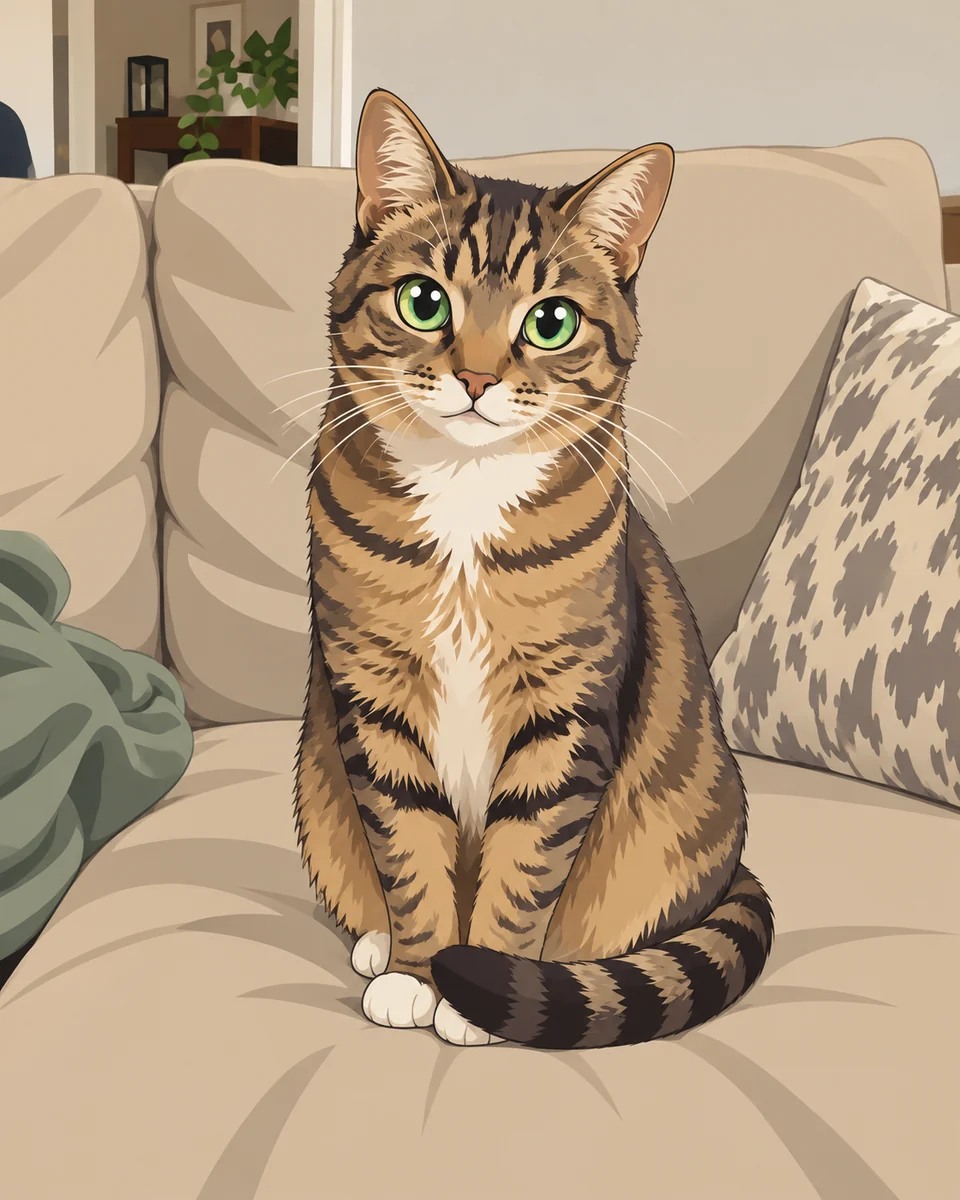
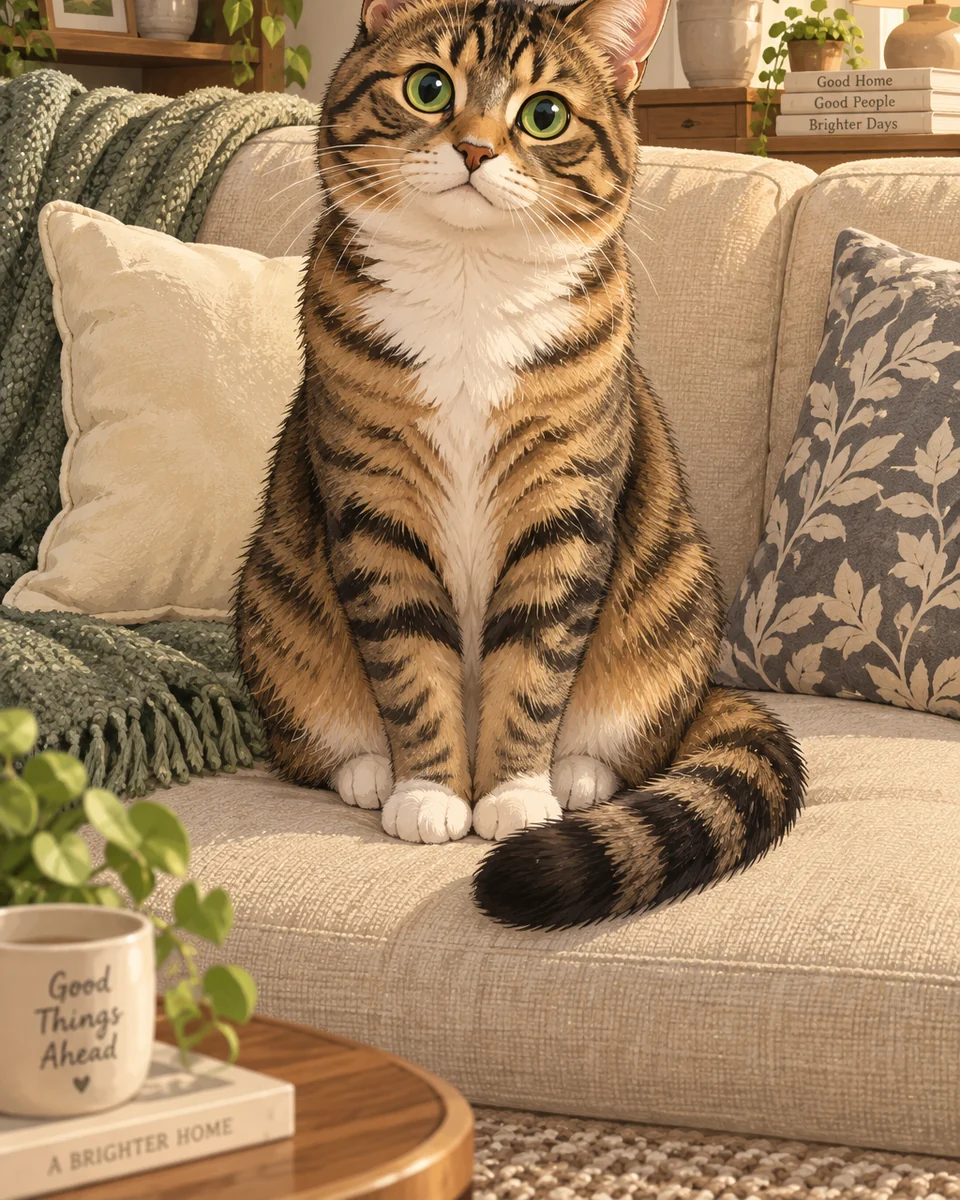
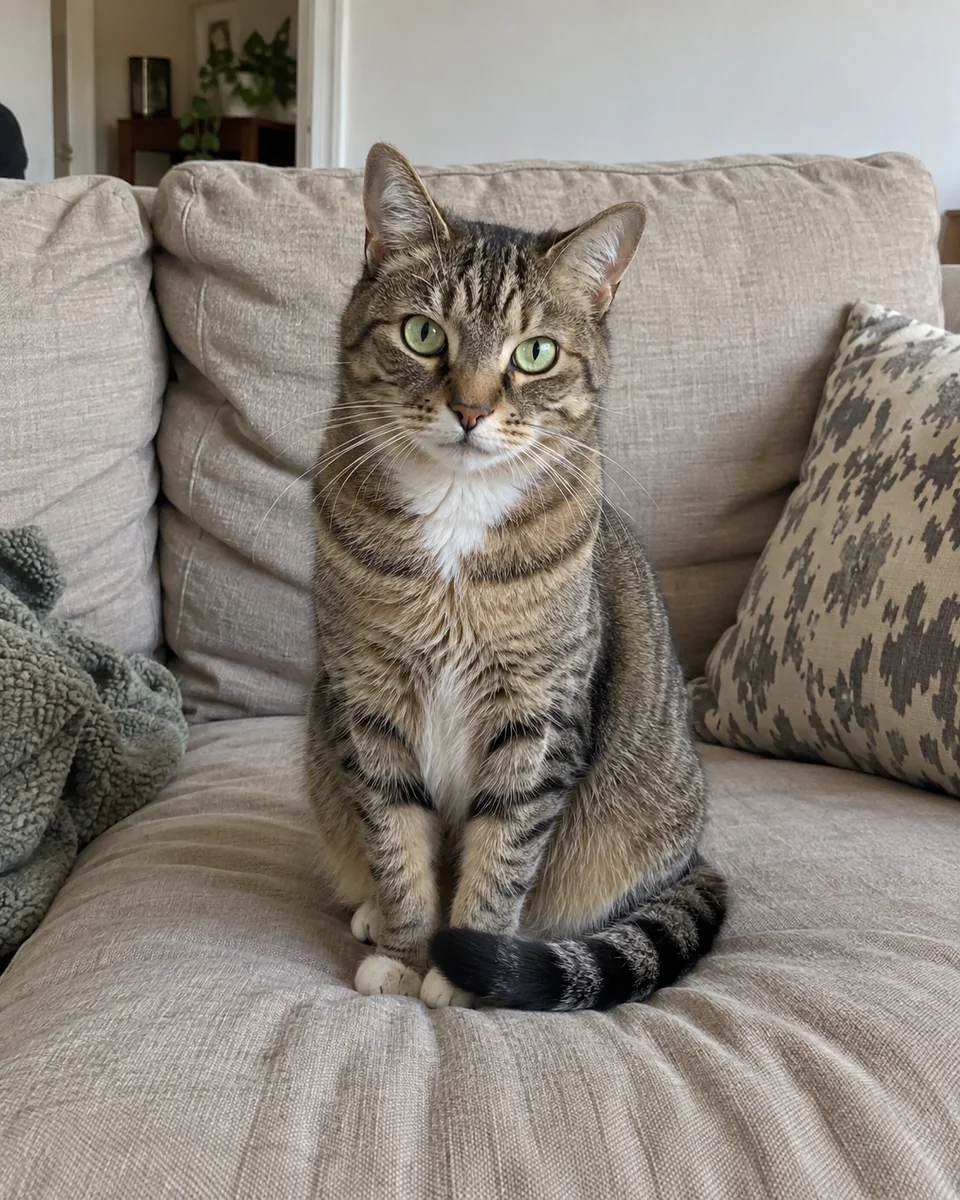
Clean outlines, flat shading and bright green eyes give this cat its look. The Midjourney prompt names that style in short phrases and keeps the portrait frame, so new pictures in the series match.
Generated prompt
Adorable brown tabby cat sitting upright on a beige fabric sofa, centered front-facing portrait, large green eyes, alert ears, detailed striped fur, white muzzle chest and paws, fluffy ringed tail curled across the cushion, beige and cream pillows, patterned gray throw pillow at right, muted green blanket at left, softly lit cozy living room, warm natural daylight, gentle shadows, clean animated illustration, painterly cel-shaded textures, expressive curious mood, subtle background plants and furniture, vertical composition --ar 4:5
OriginalMade from the prompt
For Flux
Capture a place and its light
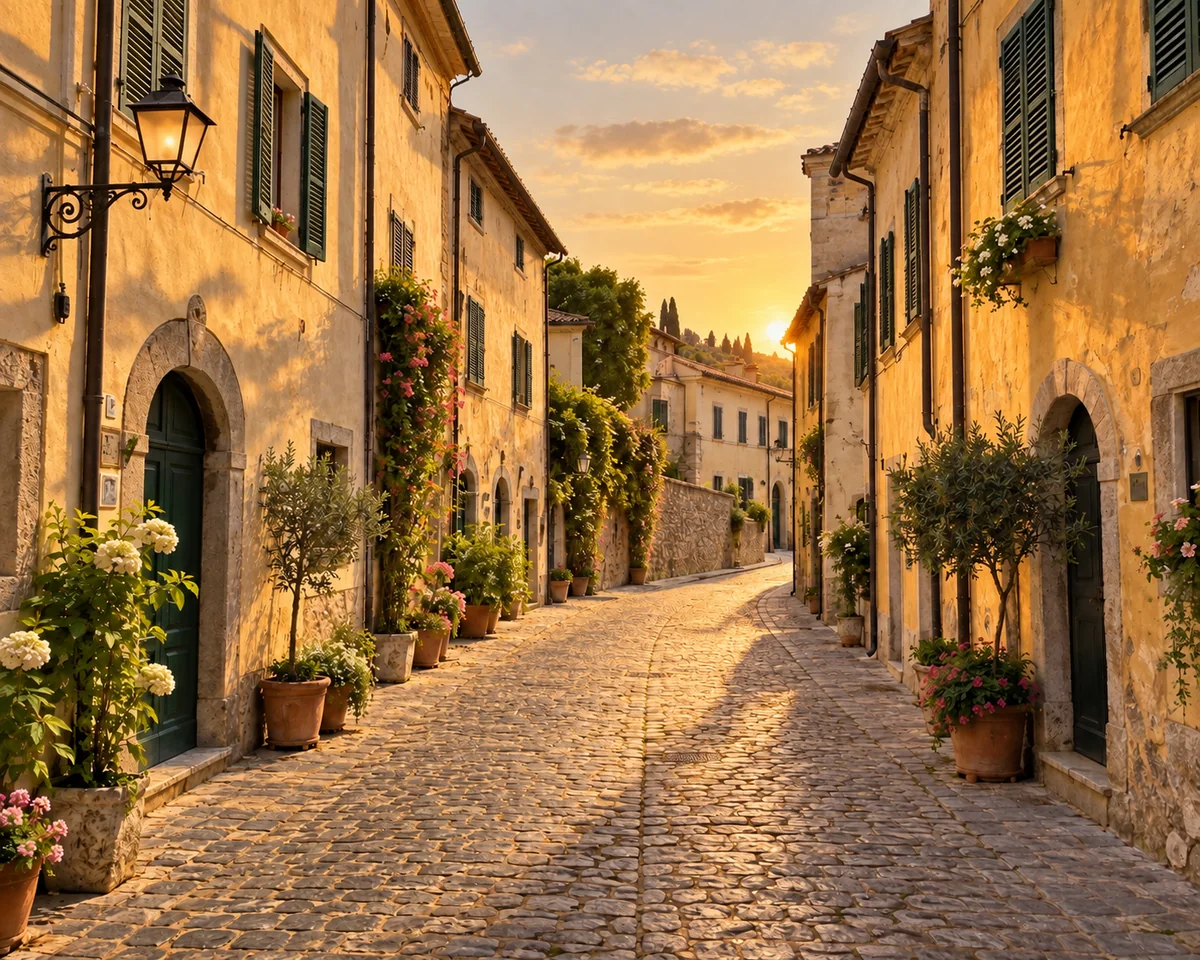
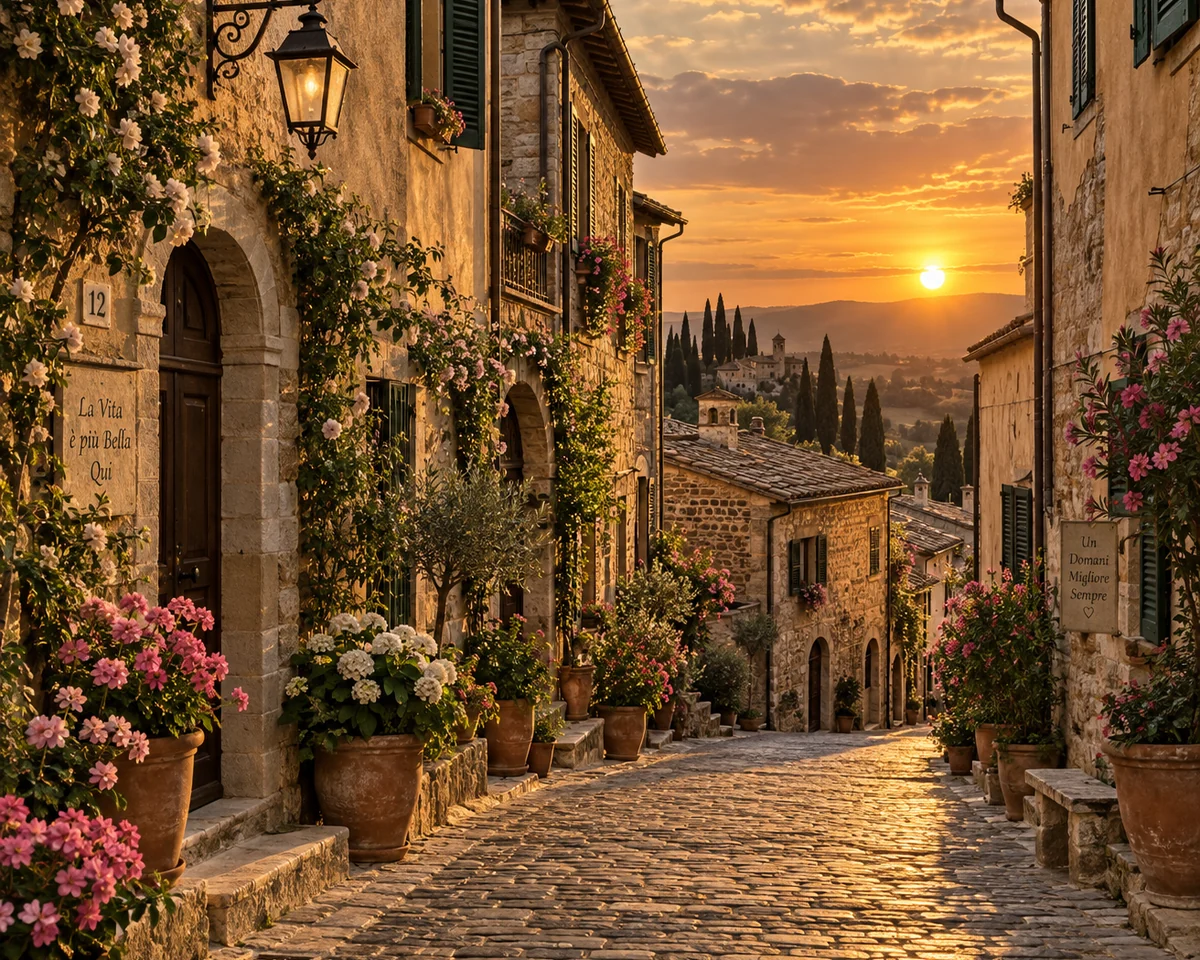
Warm sunset light on stone walls, a cobbled lane leading the eye and green shutters set this scene. The Flux prompt describes where each part sits, so a new picture keeps the same depth and glow.
Generated prompt
A photorealistic, cinematic view down a narrow historic Italian village street at golden hour. The camera stands at eye level in the center of a gently curving cobblestone lane, with the textured stones leading strongly toward the distant horizon. Tall honey-colored stucco and weathered stone buildings frame both sides, featuring dark green wooden shutters, arched doorways, small balconies, exposed roof tiles, and aged plaster with subtle cracks. Terracotta pots overflow with pink geraniums, white hydrangeas, oleander, and climbing roses along the walls and doorsteps. A wrought-iron wall lantern hangs prominently on the upper left facade. The low sun glows near the center-right horizon, casting long warm shadows and rich amber highlights across the street, while soft clouds and slender cypress trees appear in the background. Warm ochre, olive green, terracotta, and muted cream dominate the palette. The mood is tranquil, romantic, and timeless.
OriginalMade from the prompt
Any generator
Match a clean product photo
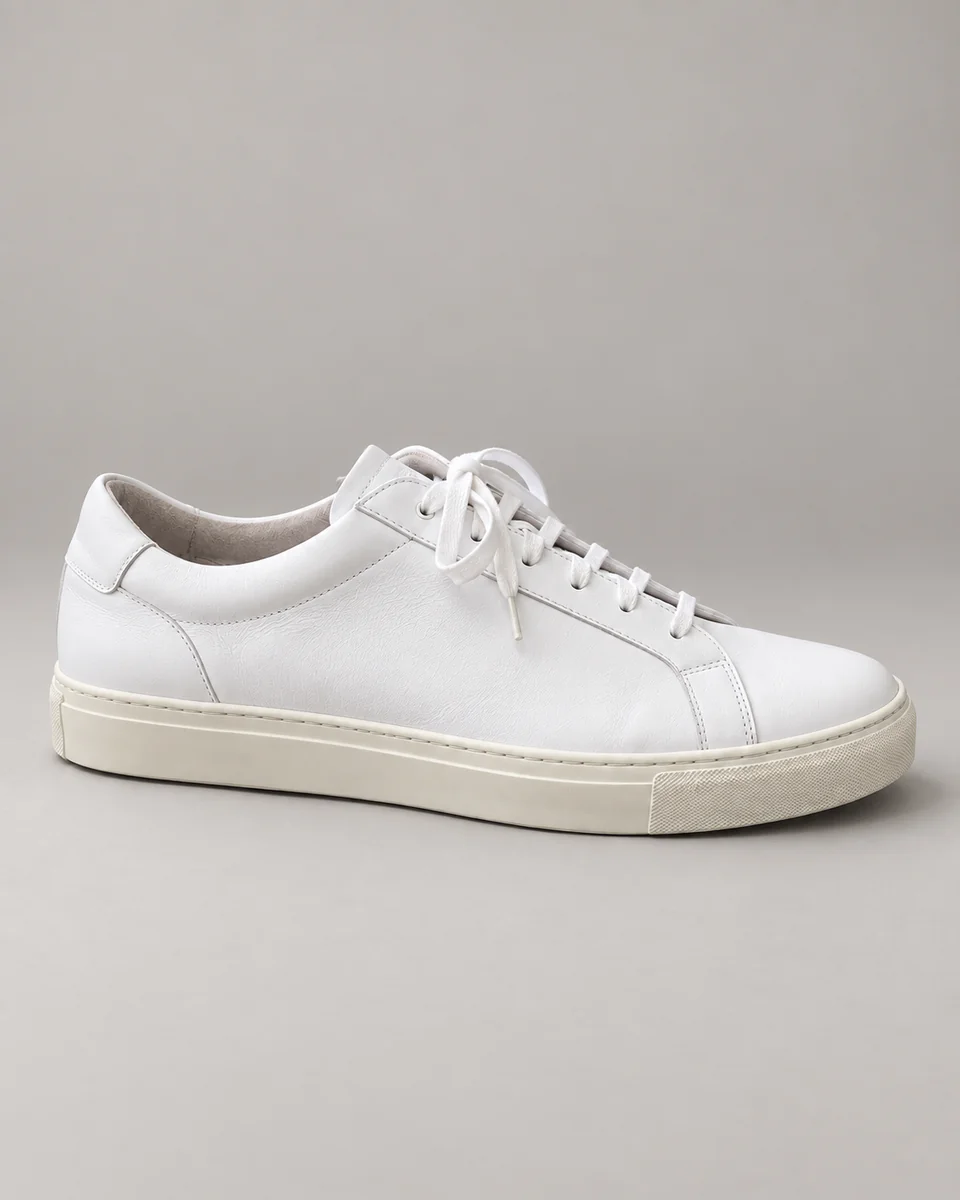
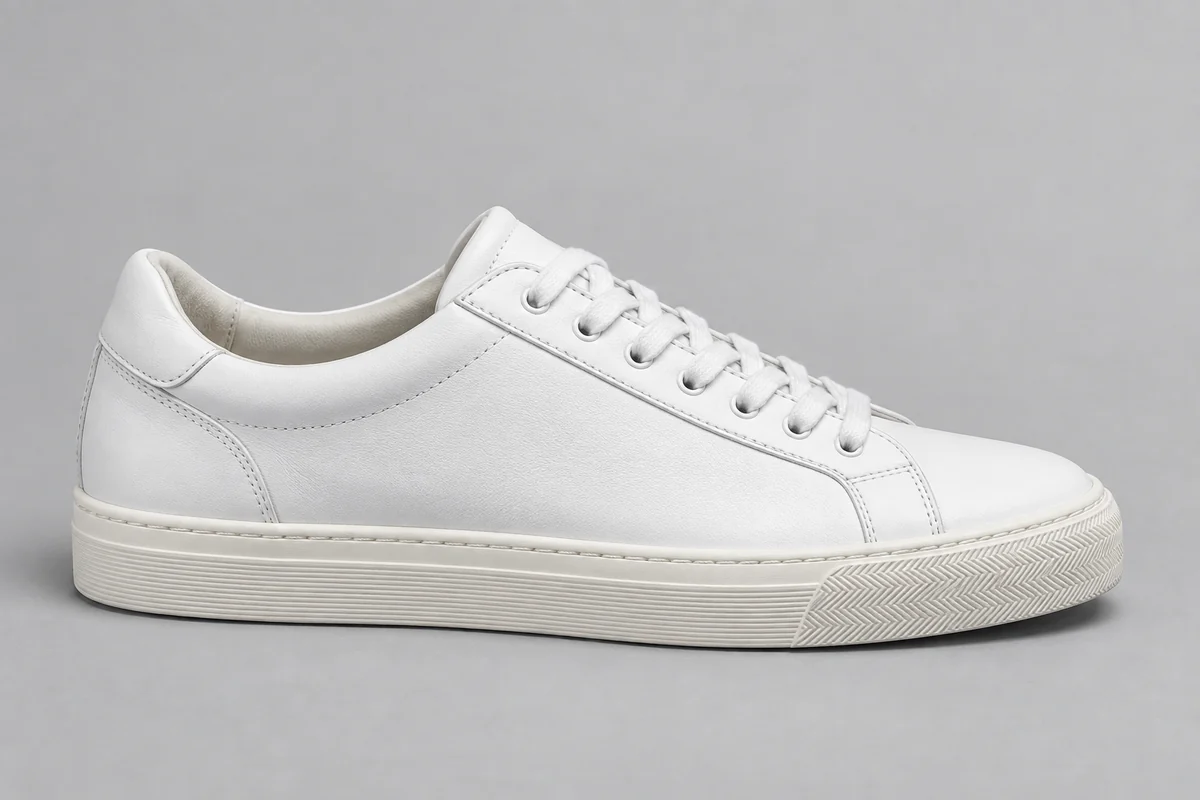
A white sneaker on a soft gray backdrop with gentle studio shadows. The prompt records the angle, backdrop and light, so a whole product range can share one style.
Generated prompt
A clean product photograph of a single low-top white leather sneaker, shown in side profile with the toe pointing right and the heel at left. The shoe rests on a smooth, neutral light-gray studio surface, centered horizontally with generous empty space above and around it. Visible details include white cotton laces threaded through several eyelets, a padded white collar, subtle stitched paneling, a gently curved toe cap, and a thick off-white rubber sole with a textured herringbone-like toe bumper and fine horizontal ridges along the sidewall. The viewpoint is slightly above eye level, revealing the upper and opening of the shoe. Soft diffuse lighting creates gentle shadows beneath the sole and understated highlights across the leather. Minimal monochromatic palette, realistic materials, crisp commercial footwear photography, refined modern styling, calm understated mood, seamless gray background.
OriginalMade from the prompt
For Stable Diffusion
Turn a painting style into tags
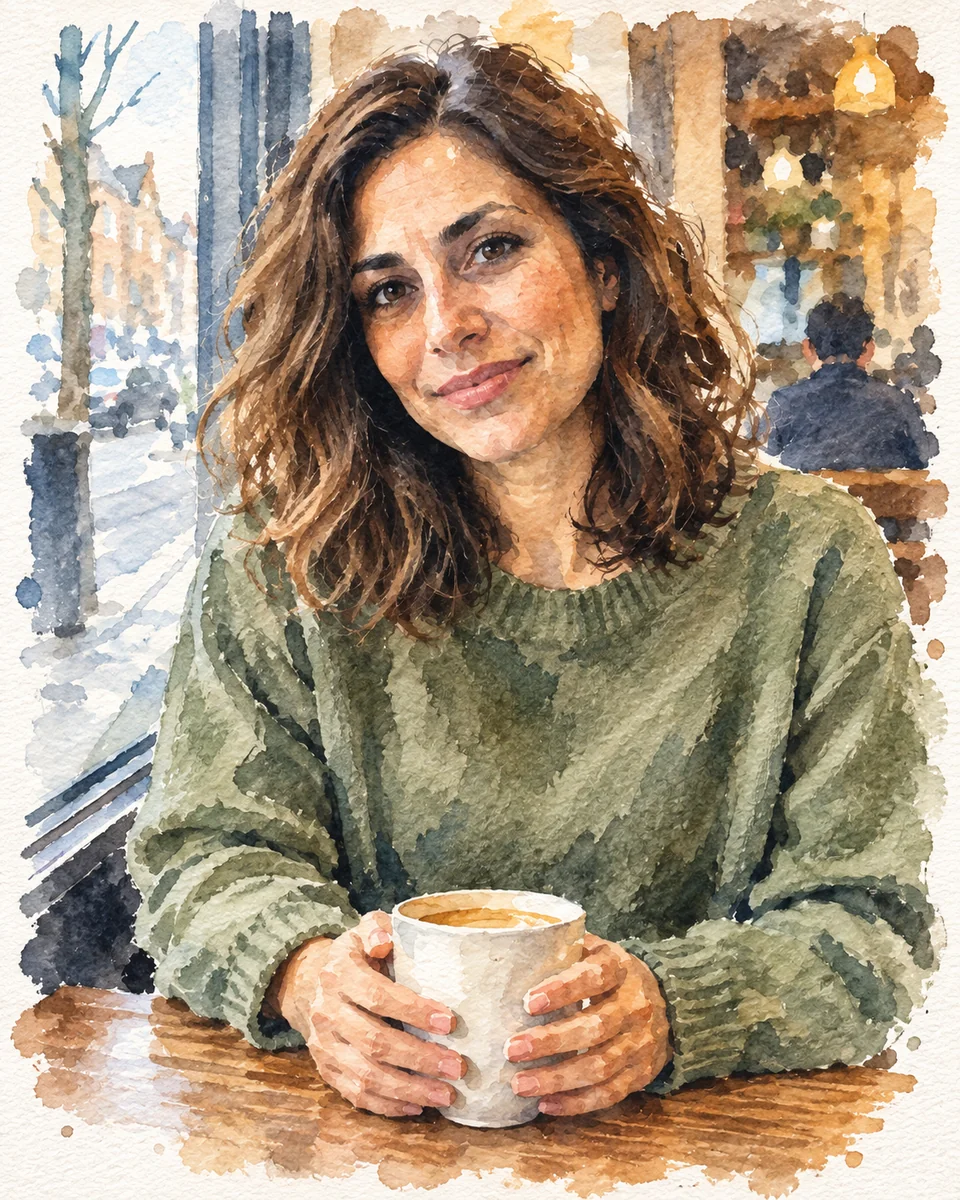
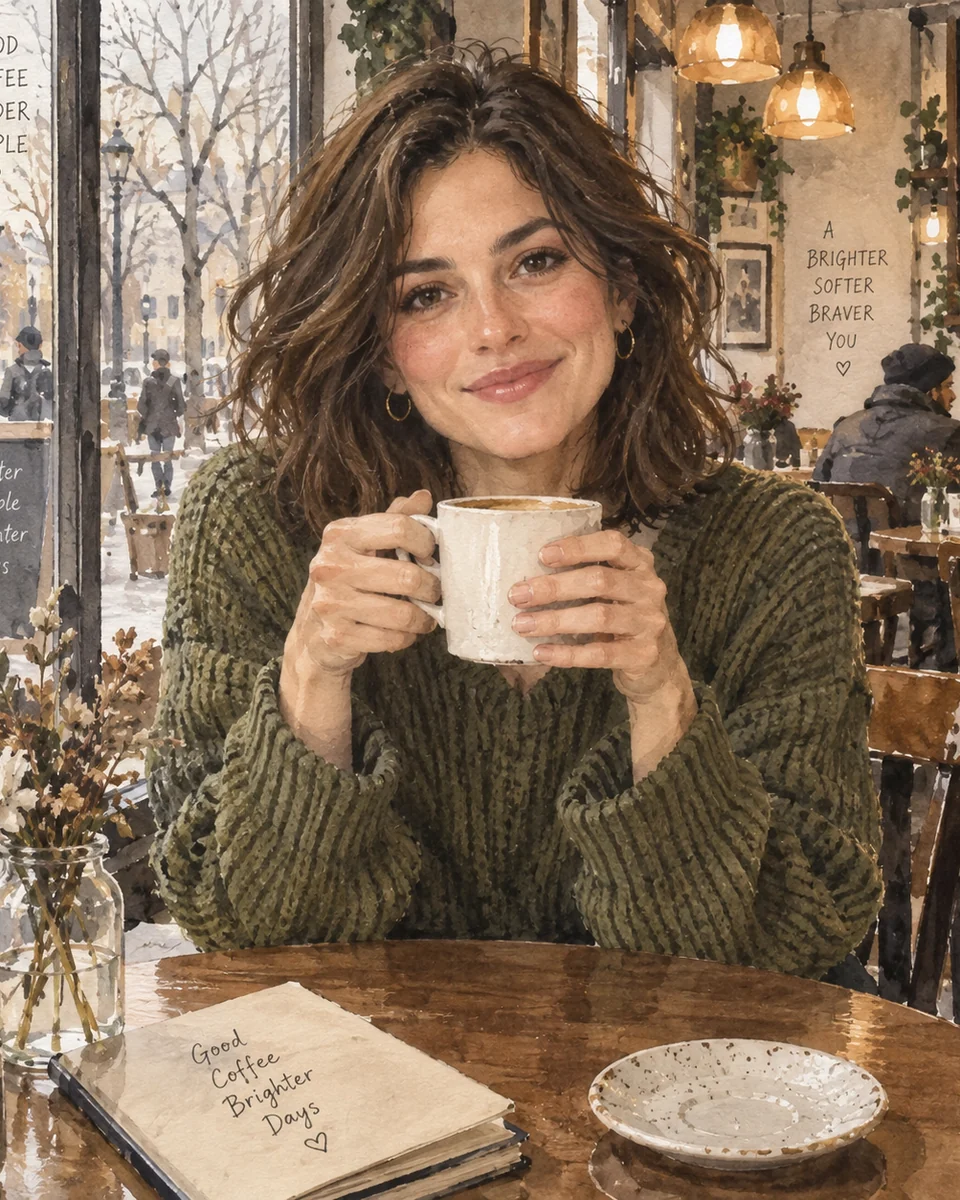
Loose washes, visible paper texture and a warm café setting. The Stable Diffusion prompt breaks this into medium, subject, setting and quality tags you can reuse with any portrait.
Generated prompt
watercolor portrait of a brunette woman seated at a café table, holding a white ceramic coffee mug, warm gentle smile, shoulder-length tousled brown hair, olive green knit sweater, centered composition, eye-level viewpoint, cozy urban café interior, window-side street scene with bare trees and soft silhouettes, warm pendant lights, muted earthy palette, loose expressive brushwork, paper texture, delicate ink-like outlines, soft natural daylight, inviting calm mood, editorial illustration, high detail, painterly, textured, artistic quality
How to turn an image into a prompt
Three steps take you from a picture to a prompt you can use anywhere, usually in a few seconds.
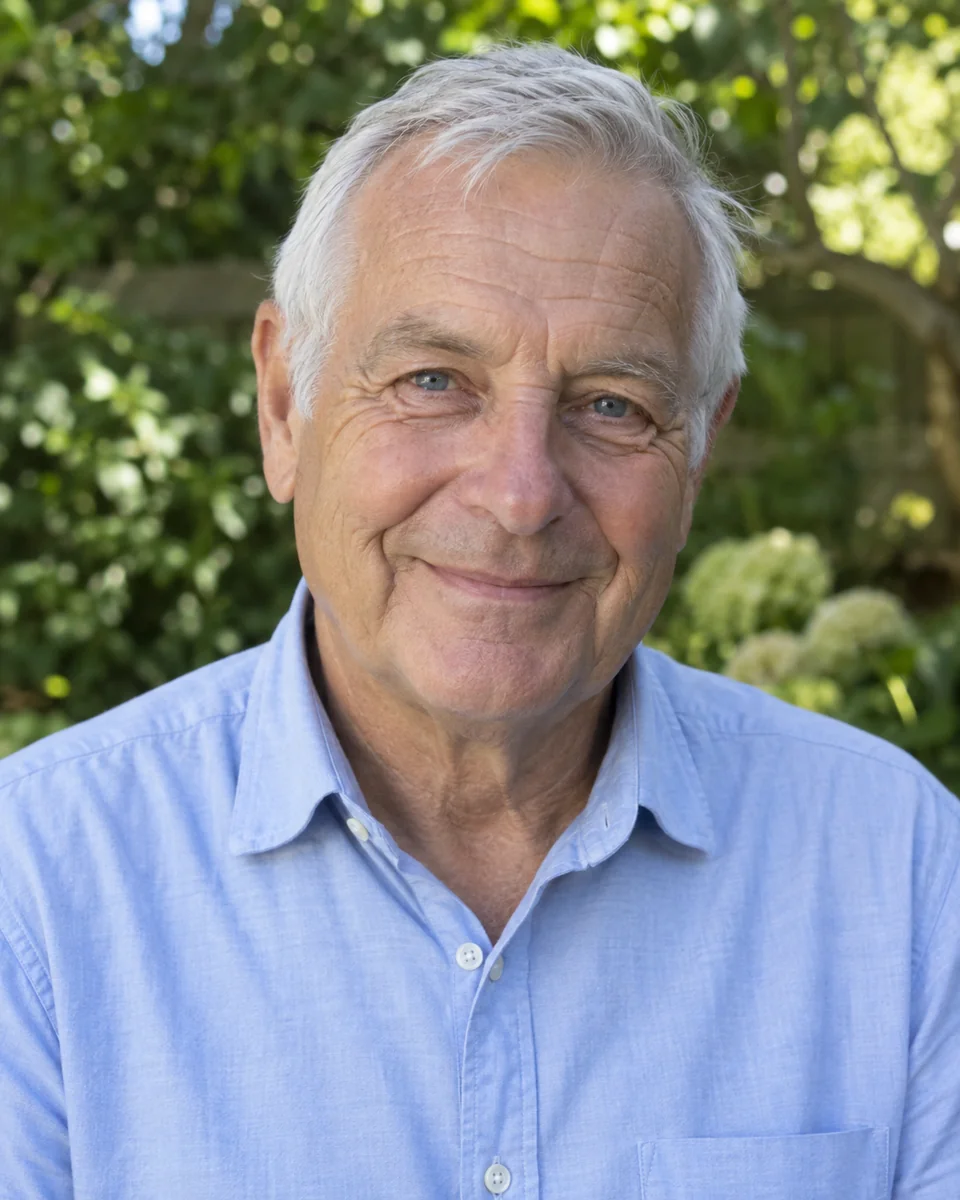
Original
Step 1
Upload your picture
Add a photo, a piece of art or an AI image you like. A clear, well-lit picture gives the most precise prompt.
Step 2
Pick a generator
Leave it on Any generator or choose Midjourney, Stable Diffusion or Flux, then create the prompt.
Step 3
Copy it or create an image
Edit the words if you like, then copy the prompt or send it to our image generator.
Use your prompt next
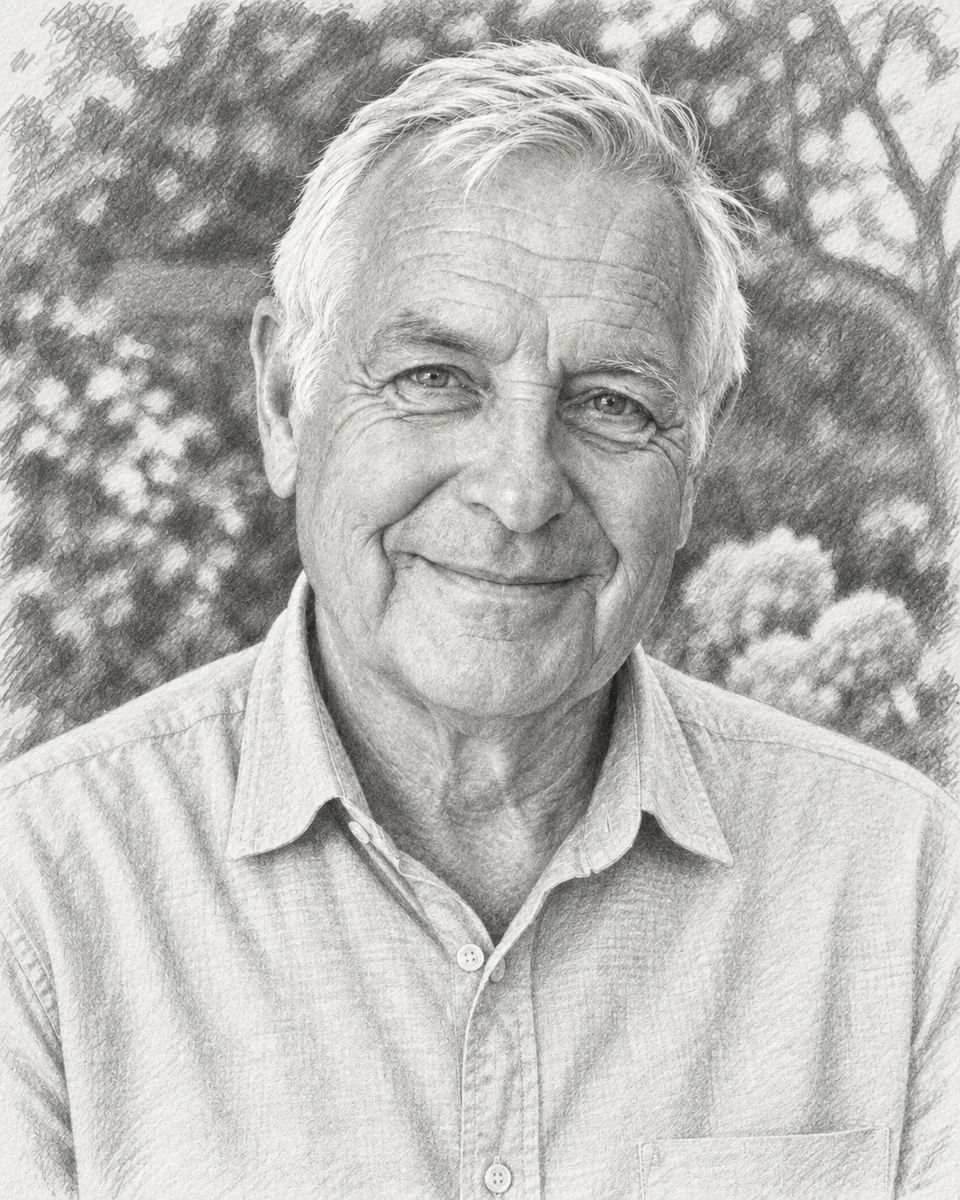
A prompt is most useful when it becomes a picture. Create an image from it, or give a photo a new look.
BeforeAfter
AI Zombie Video Generator
Turn two photos into a cinematic zombie reunion and a happy memory.
What the tool writes, which generators it suits, what it costs and how your pictures are handled.
It reads a picture and writes a text prompt that describes it the way image generators expect: the subject, composition, camera angle, light, colors, texture and style. You can paste that prompt into a generator to create a picture with a similar look, or edit it first.
Any generator that takes a text prompt. Choose Midjourney, Stable Diffusion or Flux for the format each reads best, or keep Any generator for a balanced description that also works in ChatGPT, Gemini or our own image generator.
Each prompt uses 1 credit from your account.
The prompt describes what is visible: subject, layout, light, colors and style. A picture made from it comes close in look and mood rather than copying the original, because generators fill in details their own way. The examples above show both side by side.
Clear, well-lit pictures with one main subject give the most precise prompts. Photos, illustrations, paintings, screenshots of AI art and product shots all work. Upload JPG, PNG, WebP or GIF files up to 10 MB.
Yes. The prompt opens in an editable box, so you can swap the subject, add a detail or change the style before you copy it or send it to the image generator.
Prompts are written in English, the language image generators follow most reliably. You can still edit or translate the text after it is created.
Your picture is used to write your prompt and is stored as the note under the tool and our privacy policy describe. It is not shown on this page or to other visitors.